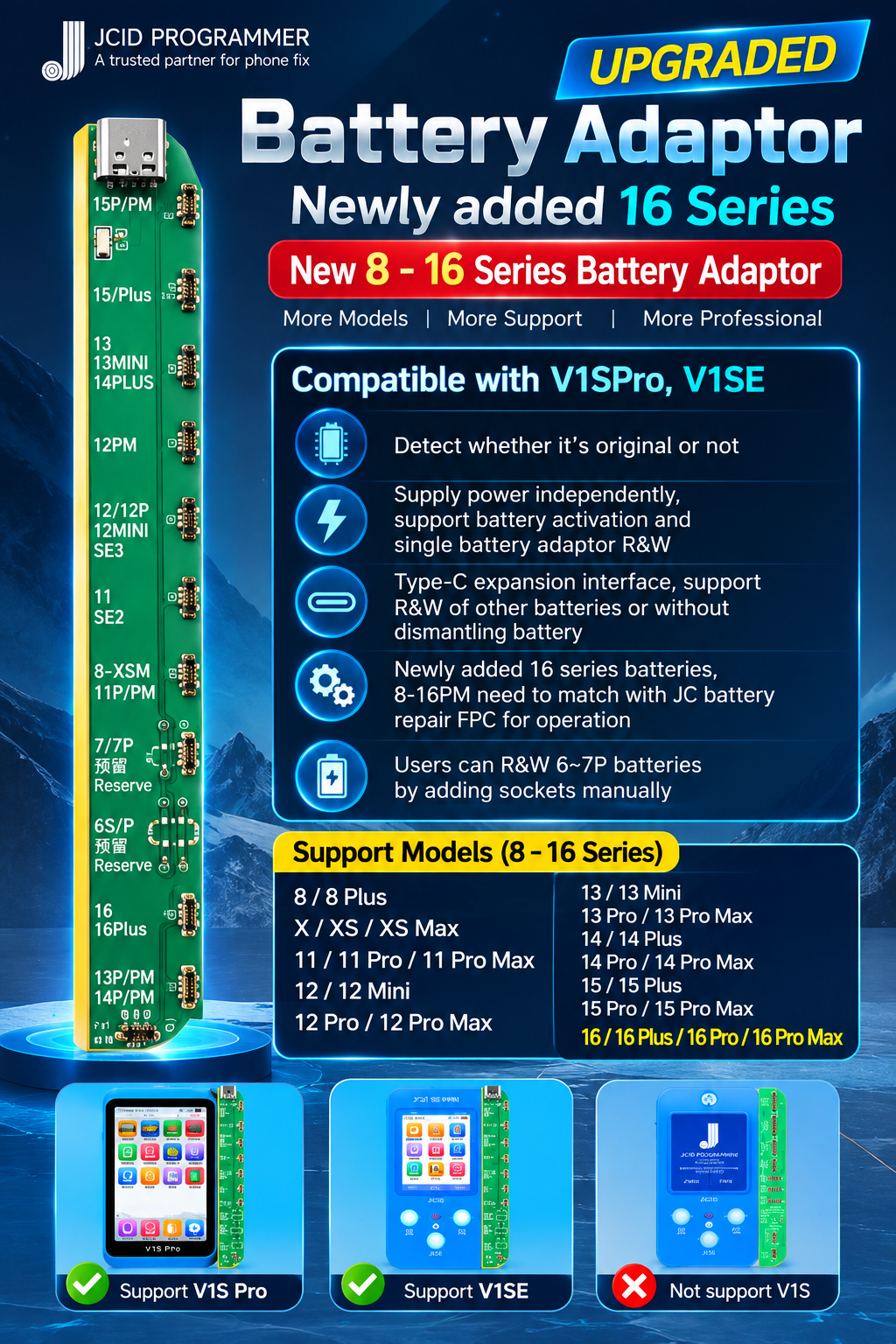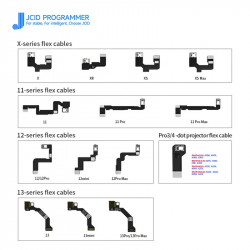



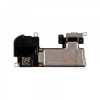

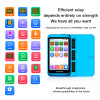


The JCID V1SE / V1S Pro Battery Detection & Repair Adaptor Board (iPhone 8 to 16 Pro Max) is an engineering-grade battery diagnostic and BMS programming expansion board designed for micro-soldering labs, smartphone refurbishment facilities, and high-volume Apple repair workshops. Serving as a direct snap-on expansion board for both the handheld JCID V1SE and flagship JCID V1S Pro programmer hosts, this board delivers comprehensive battery health calibration, cycle count editing, telemetry verification, and "Important Battery Message" non-genuine warning clearing across Apple iPhone generations from iPhone 8 through the iPhone 16 series.
Engineered with gold-plated FPC battery socket headers, low-resistance test traces, and dual-host bus interfaces, this board enables technicians to inspect real-time battery status—including actual capacity, factory design capacity, charge cycle history, operating temperature, and internal resistance. When paired with JCID Tag-On or Built-In battery repair flex cables, it allows complete battery data migration following cell transplants, eliminating iOS pop-up warnings and restoring accurate 100% maximum capacity displays in iOS settings.
Key Engineering Features & Bench Advantages:
- Comprehensive Lineup Coverage (8 to 16PM): Outfitted with dedicated OEM-spec FPC headers supporting iPhone 8/8 Plus, X/XR/XS/XS Max, 11 Series, 12 Series, 13 Series, 14 Series, 15 Series, and the latest iPhone 16 series (16, 16 Plus, 16 Pro, 16 Pro Max).
- BMS Health & Cycle Modification: Allows instant bench-level reading, clearing, and rewriting of battery cycle counts and state-of-health (SoH) percentages directly into original or transplanted battery protection boards (BMS).
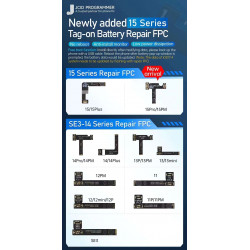
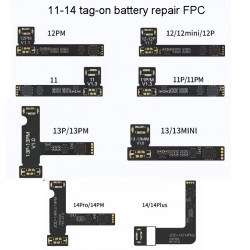
- Remove Non-Genuine Battery Warning: Works seamlessly with JCID Tag-On and Built-In battery repair FPC cables to remove the iOS "Unable to verify this iPhone has a genuine Apple battery" message after third-party cell replacements.
- Real-Time Battery Telemetry & Diagnostics: Accurately reads battery internal resistance, current output, real capacity (mAh), design capacity, voltage, operational temperature, and battery serial numbers directly on the programmer LCD.
- Dual Programmer Cross-Compatibility: Slides directly onto the side expansion bus of both the JCID V1SE (Wi-Fi Edition) and JCID V1S Pro programmer hosts without requiring external cables or firmware modifications.
- One-Click Battery Activation: Features built-in auto-wake circuitry that safely wakes and activates deep-discharged, dormant lithium-ion cells that fail to take a charge via standard USB cables.
- Wear-Resistant Gold-Plated Sockets: Heavy-duty, high-insertion-cycle FPC connector bays prevent terminal pin deformation, loose contact shorts, and signal drops over thousands of bench test cycles.
Technical Specification Matrix
Parameter Profile | Product Specification Details |
Brand / Manufacturer | JCID (JC Intelligent Technology) |
Product Model | V1SE / V1S Pro Battery Detection & Repair Expansion Board |
Compatible Host Units | JCID V1SE (Standard / Wi-Fi) & JCID V1S Pro Hosts |
Compatible iPhone Models | iPhone 8, 8 Plus, X, XR, XS, XS Max, 11/11P/11PM, 12/12Mini/12P/12PM, 13/13Mini/13P/13PM, 14/14Plus/14P/14PM, 15/15Plus/15P/15PM, 16/16Plus/16Pro/16Pro Max |
Primary Bench Functions | Battery Data Read/Write, Health Percentage Edit, Cycle Count Reset, Dormant Activation, Internal Resistance Check |
Supported Repair Accessories | JCID Tag-On Battery FPC, Built-In Battery FPC, Quick Repair Cables |
Interface / Docking | Gold-Plated Multi-Pin Modular Header (Direct Side Dock) |
Software Platform | Standalone V1SE / V1S Pro UI & JCID Repair Assistant PC Suite |
Recommended Bench Operation Guide:
- Module Docking: Turn off your JCID V1SE or V1S Pro host (or place it in standby). Slide the battery detection board onto the host unit's side expansion bay until the gold-plated header connector locks firmly into place.
- Battery Diagnostic / Health Inspection: Connect the battery FPC connector from the iPhone battery to the corresponding model header on the board. The programmer screen will illuminate and display battery health (%), current charge cycles, serial number, design capacity, and voltage.
- BMS Transplant & Cell Replacement Preparation: Desolder the original Apple BMS protection board from the degraded battery cell and spot-weld it onto the new replacement cell using a professional battery spot welder.
- Tag-On / Built-In FPC Installation: Connect the corresponding JCID Battery Repair FPC cable between the original BMS board and the V1SE/V1S Pro battery adaptor board.
- Data Modification: Using the host console's directional buttons or touchscreen, navigate to Modify Health and set the target capacity to 100%, then reset Cycle Count to 0. Tap Write to flash the updated parameters to the FPC.
- Pop-Up Clearing & Bench Verification: Install the assembled battery with the repair FPC into the iPhone. Boot the phone using a bench DC power supply without the battery first (to prompt the "Unknown Part" state and force cache clearing), power down, connect the new battery assembly, and boot up. Verify that iOS Settings displays 100% Maximum Capacity with no system warning prompts.