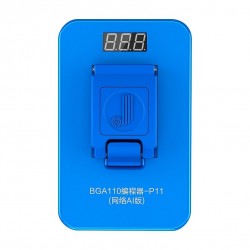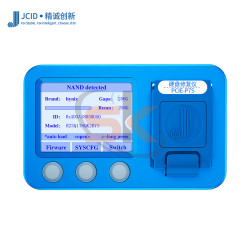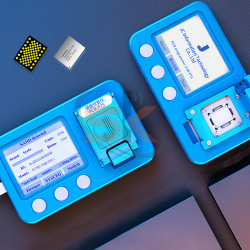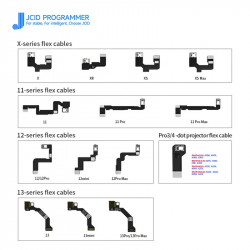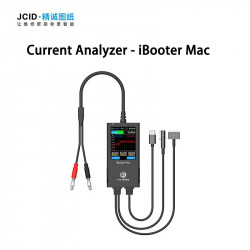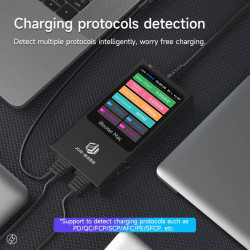

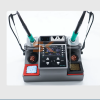
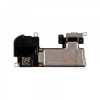

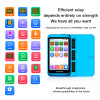
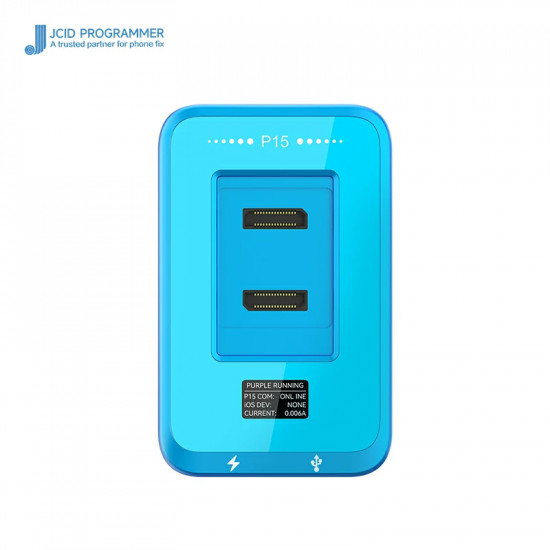
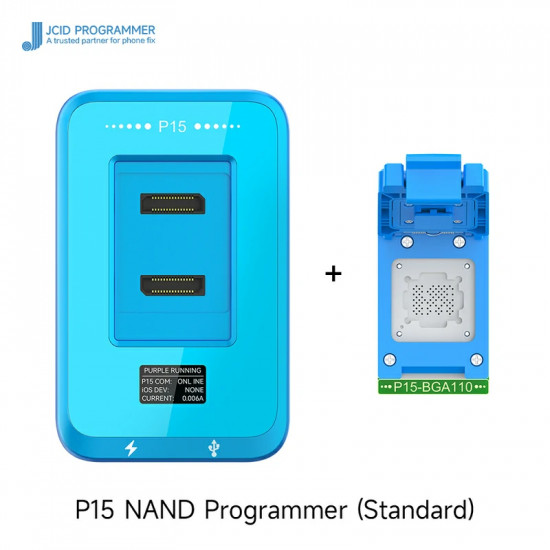


The JCID P15 NAND Programmer with BGA110 Module is a flagship hardware programming station purpose-built for chip-level iOS motherboard engineers, micro-soldering labs, and professional mobile repair centers. Combining high-speed bus architecture with a modular snap-in socket design, the P15 delivers fast data read, write, deep formatting, SysCFG repair, and capacity expansion for BGA110 NAND flash storage used across iPhone 8 through iPhone 13 Pro Max, as well as compatible iPad generations.
Featuring an integrated HD OLED real-time status screen, the JCID P15 provides standalone live monitoring of device connections, working voltages, operating currents, and read/write states. Technicians can operate standalone or interface directly with the JCID Repair Assistant PC software to perform partition backups, Wi-Fi module unbinding without NAND removal, and purple screen diagnostics.
Key Capabilities & Engineering Features
- High-Speed BGA110 Read/Write Engine: Read, write, back up, and flash iOS NAND SysCFG partitions in seconds. Optimized bus lines reduce flash read/write times compared to previous generation programmers (JC P13 / P7).
- Direct Storage Capacity Expansion: Upgrade device memory effortlessly from 64GB to 128GB, 256GB, or 512GB by extracting original calibration parameters, formatting replacement high-capacity NAND flash, and writing verified SysCFG profiles.
- One-Click Wi-Fi Unbind: Clear factory Wi-Fi module binding locks directly from the NAND partition data without requiring motherboard firmware restores or complex baseband disassembly.
- NAND Deep Format & Error Repair: Execute deep low-level block formatting on damaged or corrupted NAND ICs to resolve iTunes restore errors (such as Error 9, Error 4013, Error 4014) caused by bad sectors or damaged partition maps.
- Integrated HD OLED Display: Displays operational states, current draw, voltage, and prompt indicators directly on the programmer host, facilitating instant hardware diagnostics on the repair bench.
- Non-Removal Purple Screen Diagnostics: Supports USB-connected purple screen mode for reading and editing SysCFG parameters on supported A-series processors without physically desoldering the NAND chip.
- Future-Proof Modular Architecture: While bundled with the BGA110 socket, the P15 host unit supports interchangeable modular plates for BGA60, BGA70, and BGA315, allowing full iOS ecosystem coverage (iPhone 6 through 15 Pro Max) on a single platform.
Technical Specification Matrix
Parameter Profile | Specification Details |
Product Model | JCID P15 Integrated NAND Programmer |
Included Module | BGA110 Modular Clamping Socket |
Supported Devices (BGA110) | iPhone 8, 8 Plus, X, XR, XS, XS Max, 11, 11 Pro, 11 Pro Max, SE 2, 12, 12 Mini, 12 Pro, 12 Pro Max, 13, 13 Mini, 13 Pro, 13 Pro Max; compatible iPad models |
Primary Chipset Architectures | Apple A11, A12, A13, A14, A15 Bionic |
Core Functions | SysCFG Read/Write, Capacity Expansion, Wi-Fi Unbind, Deep Format, Partition Repair |
Display Type | High-Definition OLED Status Display Screen |
Connectivity | USB Type-C Dual Port (Power & High-Speed Data) |
Software Platform | JCID Repair Assistant (Windows 10 / Windows 11 64-bit) |
Expansion Compatibility | Compatible with optional BGA60, BGA70, and BGA315 modules |
Step-by-Step Programming & Memory Upgrade Workflow:
- Connect & Launch: Connect the JCID P15 to your PC via USB Type-C and open the JCID Repair Assistant software.
- Mount BGA110 Module: Snap the BGA110 socket onto the P15 host base plate until the magnetic pins lock securely into place.
- Backup Original SysCFG: Place the original desoldered NAND chip into the socket, press down the lock cover, and click Read / Backup SysCFG to store the device's original factory serial numbers, Bluetooth/Wi-Fi MAC addresses, and board calibrations.
- Prepare Target NAND: Insert your new target high-capacity NAND (e.g., 256GB/512GB) into the socket.
- Format & Write: Click Format, select the corresponding model profile, and click Write SysCFG to transfer the backed-up parameters to the new chip.
- Solder & Restore: Re-solder the programmed NAND onto the motherboard and perform a standard clean restore via iTunes or 3uTools.
Package Contents:
- 1 × JCID P15 Main Programmer Host Unit
- 1 × JCID BGA110 NAND Programming Socket Module
- 1 × High-Speed USB Type-C Data Cable
Explain:
- BGA60 module: for iPhone 4/SE-6 Plus Nand flash
- BGA70 module: for iPhone 6S-7 Plus Nand flash
- BGA110 module: for iPhone 8-13 Pro Max Nand flash
- BGA315 module: for iPhone 14-15 series Nand flash