
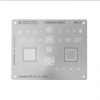
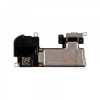
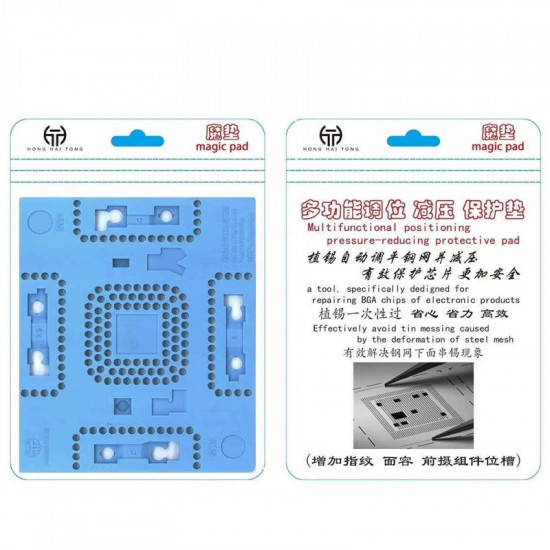


The HONG HAI TONG Magic Pad iPhone X-11 Fingerprint Repair Thermal Mat is a high-temperature silicone workstation fixture designed for precision biometric repair, Face ID dot matrix lattice alignment, and CPU BGA reballing. Engineered with pre-molded CNC component cavities, this thermal platform secures delicate micro-flex cables, infrared sensors, and silicon dies during hot-air rework.
Reballing miniature biometric modules (such as iPhone Face ID dot projectors and Touch ID home button ICs) presents severe thermal challenges: loose flex cables easily shift under hot air, and standard steel stencils warp under heat, causing solder bridging and uneven balls. The HHT Magic Pad solves this with heat-absorbing, non-slip synthetic silicone that buffers thermal expansion, automatically leveling reballing stencils to ensure uniform solder spheres.
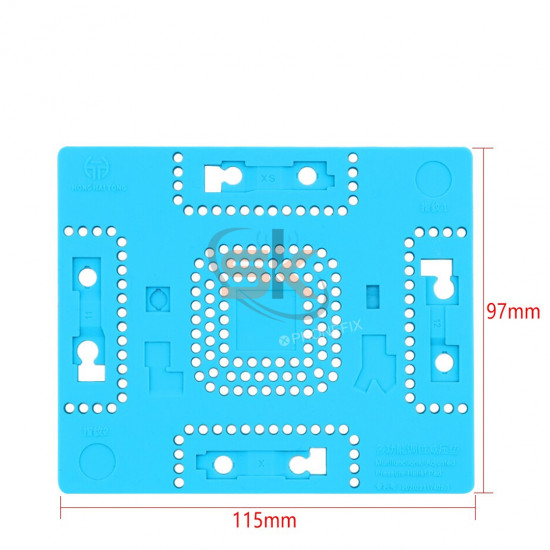
Precision Molded Compartment Breakdown:
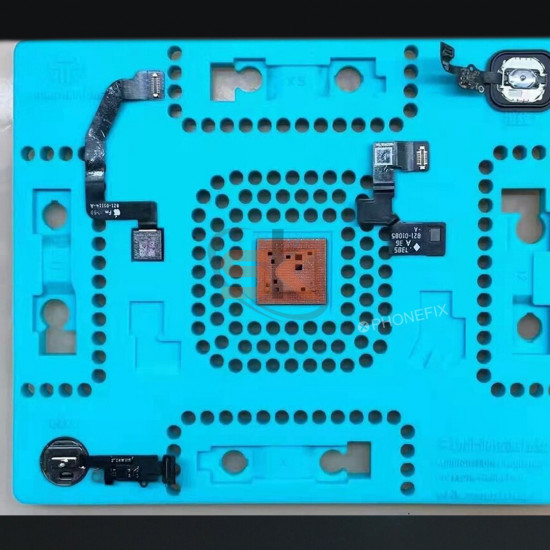
- Face ID Dot Projector & Sensor Cavities: Tailored slots for iPhone X, XS, XS Max, 11, 11 Pro, and 11 Pro Max dot matrix lattice modules, flood illuminators, and infrared front camera sensors.
- Fingerprint IC & Home Button Slots: Dual recessed bays dedicated to iPhone 7G, 7 Plus, 8G, and 8 Plus Touch ID return-function IC transfer and flex cable re-bonding.
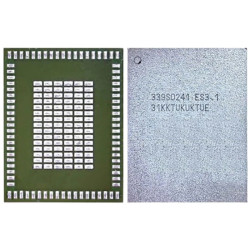
- Dedicated CPU & Baseband Reballing Slot: Universal square cavity designed to hold mobile application processors (AP) and baseband ICs flat during high-heat tin planting.
- Anti-Warp Stencil Decompression: Elastic silicone cushion provides subtle upward compliance that absorbs vertical expansion when steel stencils are heated, preventing solder overflow and shorted balls.
Key Engineering Features & Bench Advantages:
- 500°C Thermal Insulation: Molded from pure, heat-resistant vulcanized silicone that withstands direct hot air torch temperatures without smoking, blistering, or warping.
- Non-Slip Micro-Adsorption Surface: Naturally tacky silicone base grips microscope work stages firmly, preventing accidental shifts while working under 40x magnification.
- Anti-Static & ESD-Safe: Formulated to neutralize static buildup, safeguarding sensitive biometric CMOS sensors and processor memory registers from electrostatic discharge damage.
- Thermal Sink & Stress Reliever: Dissipates localized heat spikes evenly across the pad body, protecting fragile glass optical prisms and flexible FPC ribbons from heat blistering.
- Corrosion & Chemical Resistant: Impervious to active rosin fluxes (RMA-223 / NC-559), UV curable masks, and cleaning solvents like 99% isopropyl alcohol (IPA).
Technical Specification Matrix
Parameter Profile | Product Specification Details |
Product Brand | Hong Hai Tong (HHT) |
Product Model | Magic Pad Thermal Silicone Mat |
Supported Devices | iPhone X, XR, XS, XS Max, 11, 11 Pro, 11 Pro Max, 7G/7P/8G/8P (Fingerprint) |
Specialized Cavities | Face ID Dot Matrix, IR Camera, Fingerprint Flex, CPU Reballing |
Material Formulation | High-Grade Heat-Resistant Flexible Vulcanized Silicone |
Thermal Operating Limit | Direct bench exposure up to 500°C |
Color & Finish | Matte Anti-Glare Industrial Blue / Grey |
Primary Bench Applications | Face ID Dot Matrix Fuse Wire Rework, Touch ID IC Transfer, Micro BGA Reballing |
Bench Application & Usage Guide:
- Module Seating: Position the delicate flex assembly (such as an iPhone 11 Face ID dot projector or iPhone 8 Touch ID sensor) into its corresponding molded cavity. Ensure the component sits flush against the cavity floor.
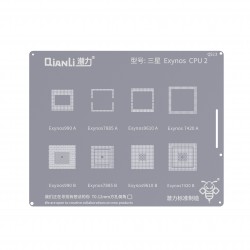
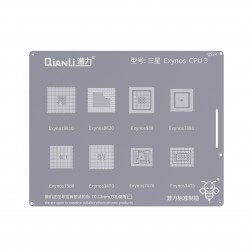
- Stencil Alignment: Lay your dedicated micro-stenciling sheet directly over the chip array. The resilient silicone base supports the stencil evenly across all corners.
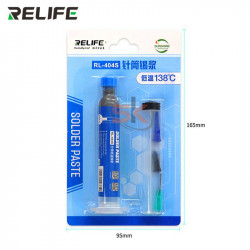
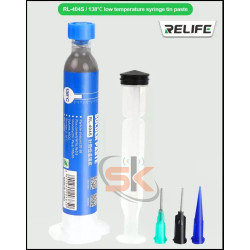
- Solder Paste Application: Spread a small bead of low/medium-temperature solder paste (such as 138°C or 183°C) across the stencil apertures using a flat scraping blade. Dab off excess surface flux oils with a dust-free wipe.
- Controlled Reflow: Direct hot air (250°C–280°C, low airflow) over the component. The silicone cushion absorbs thermal expansion from the steel mesh, preventing the stencil from arching upward and keeping the solder spheres uniform.
- Cooling & Clean-Off: Allow the module to cool for 15 seconds before lifting the stencil. Clean the reballed module and silicone cavity using an ESD brush lightly dampened with 99% IPA.